

It answers from your FAQ
Feed it your pages, your PDFs and your price list. It answers in your voice, shows where each answer came from, and hands over when it does not know.
bloomstudio.in
DM keyword
The same handful of questions, every day
- “What are your timings?” “Do you deliver here?” “How much for the small one?” Three different people, same evening.
- You tried a chatbot once. It confidently told a customer something that wasn’t true, and you turned it off.
- The person who knows the answers is you, and you are in a meeting until six.
You can open any of these and change it
When
DM keyword
Someone sends you a DM with a keyword.
Then
ReplyKing AI answers
ReplyKing AI answers from your knowledge base and hands over when it isn't sure. Uses AI credits.
0
Live today, not on a roadmap
Every one of these is running now. Where it cannot answer, it says so and fetches you.
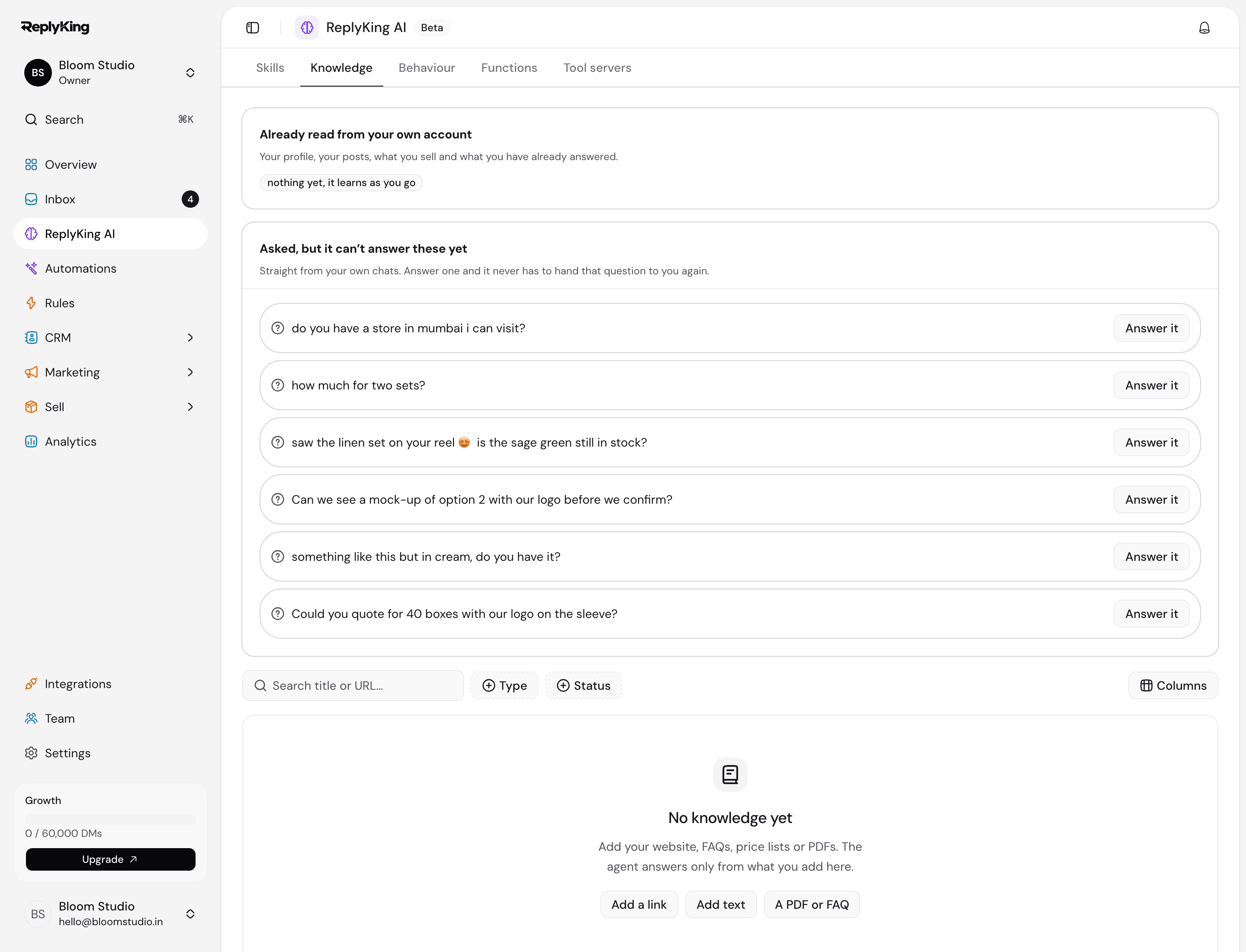
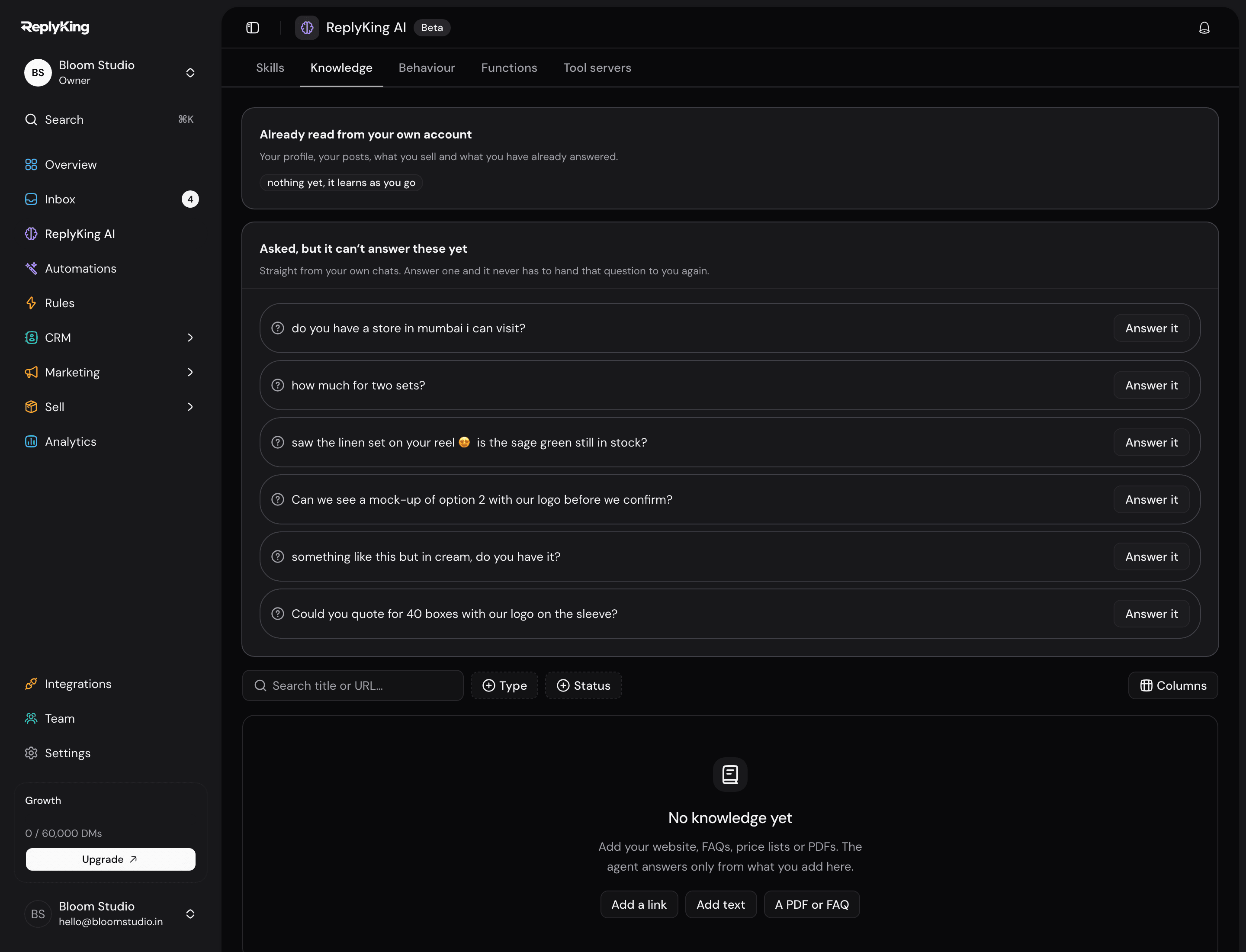
Grounded answers, with citations
It answers from your knowledge base and says which document the answer came from. When the base doesn’t cover the question, it says so and hands over.
Off by default
Autopilot is something you switch on, per workspace, with a mode you choose, a daily cap, and a note to the team when it hands over.
A step, when you want one
An AI reply or an intent check can be one step inside a flow, so only the part that needs judgement is left to the model.
Tools it has to be given
Anything the agent can do beyond talking is a tool you grant, some of them needing approval before they run, and every use is written to an audit trail.
Credits, metered and visible
AI usage is counted in credits included with your plan. At 80% we email; at 100% it pauses until the 1st or a top-up. There is no overage charge.
A draft for a human
In the inbox it can suggest the reply instead of sending it, which helps while you are still deciding how much you trust it.
Free plan · no card needed · cancel any time
Questions people ask first

Feed it your FAQ and read what it says back
Every plan includes AI credits. Give it your FAQ page, then ask it the awkward questions in the playground.
Free plan · no card needed · cancel any time